


Tutorials
Configuring and managing your server

Options Explanations
Welcome to our comprehensive guide on the various options available at Minecraft-Hosting.Pro! In this tutorial, we will explore the features that can enhance your server experience, from premium hardware to custom domains and automated tasks. Dive in to discover how these options can optimize your gameplay and streamline your server management!
Read more
How to become Operator on your server ?
Are you ready to take your Minecraft server experience to the next level? Becoming an operator, or 'op,' grants you special permissions that allow you to manage the server effectively and enhance gameplay for everyone. In this tutorial, we'll guide you through the steps to become an operator and explore the different permission levels available.
Read more
How to install a custom modpack (CURSE: ALL THE MODS )
Are you ready to take your Minecraft experience to the next level? In this tutorial, we'll guide you through the process of installing a custom modpack, specifically 'All the Mods,' using CurseForge files. Whether you're looking to enhance your gameplay or explore new features, follow our step-by-step instructions to get your server up and running with your desired modpack!
Read more
How to upload a map to your server with FTP
In this tutorial, you'll learn how to upload a Minecraft map to your server using FTP, ensuring a faster and more stable transfer. Whether you're a newcomer or an experienced player, mastering this process will enhance your gaming experience by allowing you to explore new worlds. Let's dive in and get your server ready for adventure!
Read more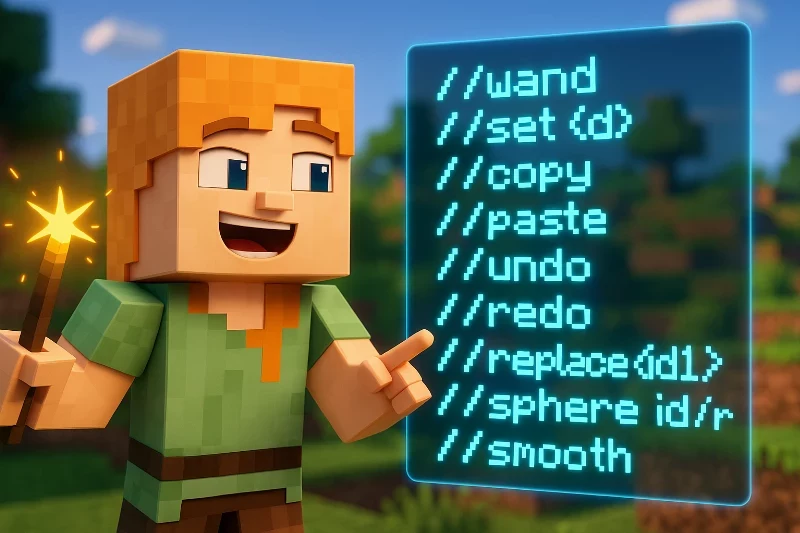
WorldEdit commands
Unlock the full potential of your Minecraft server with WorldEdit commands! This powerful plugin streamlines the process of editing and shaping your world, making it easier than ever to create stunning landscapes and intricate structures. Dive into this tutorial to discover essential commands that will elevate your building experience and transform your Minecraft creations!
Read more
How to install a VOIDS WRATH modpack ?
Are you ready to dive into the exciting world of modded Minecraft? In this tutorial, we'll guide you through the step-by-step process of installing the VOIDS WRATH modpack, allowing you to unlock a plethora of new gameplay experiences. Whether you're a seasoned player or new to modpacks, this guide will ensure you're set up for adventure in no time!
Read more
How to Upload Mods and Plugins
Enhance your Minecraft experience by learning how to upload mods and plugins to your server! This tutorial will guide you through the essential steps to install these exciting additions, ensuring compatibility and optimal performance. Get ready to transform your gameplay and discover new features that will keep you and your friends engaged for hours!
Read more
How to add Plugins to Pixelmon with Sponge
Welcome to our tutorial on adding plugins to your Pixelmon server using SpongeForge! This guide will provide you with step-by-step instructions to enhance your gameplay experience by integrating powerful plugins. Whether you're a seasoned admin or just starting out, you'll find everything you need to know to get your server running smoothly with Sponge-compatible plugins.
Read more
How to install a custom jar on your server
In this tutorial, we'll guide you through the process of installing a custom .jar file on your Minecraft server. Whether you're looking to run a unique modpack or set up a proxy server like BungeeCord, our step-by-step instructions will ensure you have everything you need to get started. Let’s dive in and customize your Minecraft experience!
Read more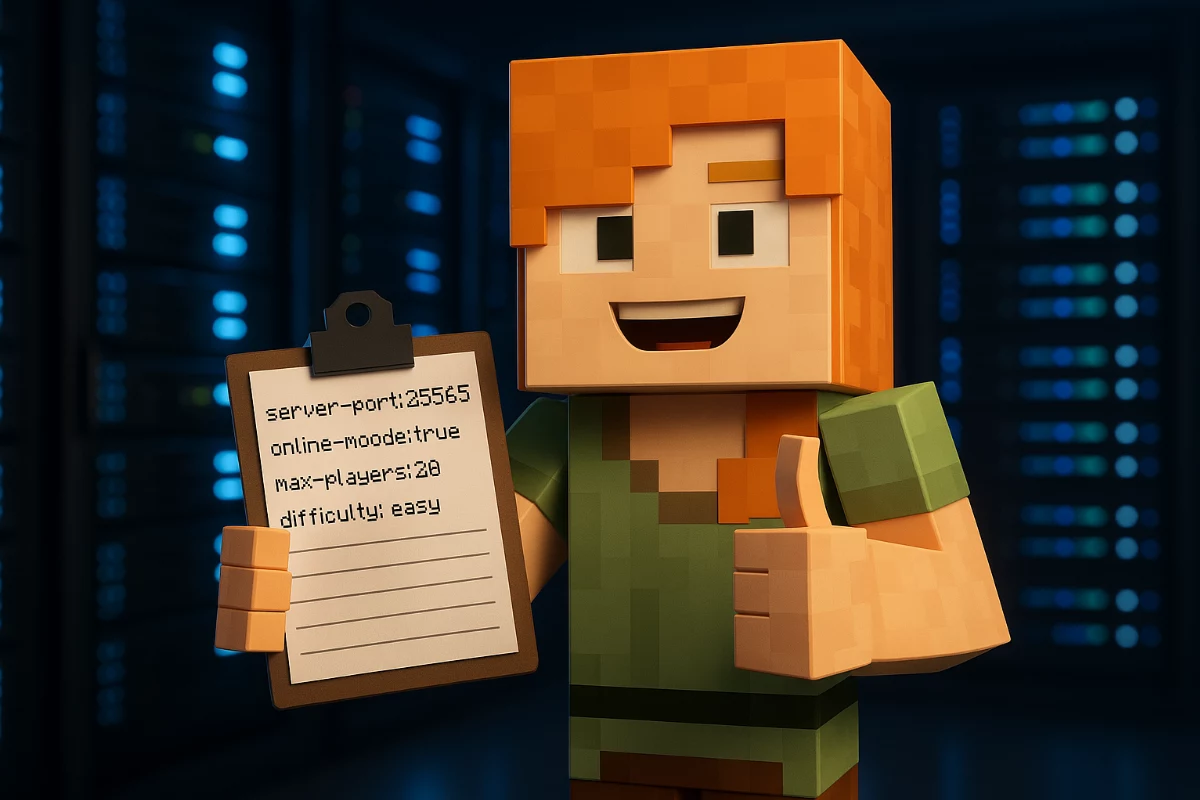
How to change your Minecraft server version
Changing your Minecraft server version can breathe new life into your gameplay and keep your community engaged. In this tutorial, we'll guide you through the simple steps to switch versions effortlessly using our user-friendly server panel. Whether you're exploring new features or trying out modpacks, let's get started on enhancing your Minecraft experience!
Read more
How are assembled your Minecraft Servers ?
Welcome to our tutorial on assembling Minecraft servers! Here, we'll unveil the meticulous process behind our custom-built server hardware, showcasing our commitment to performance and reliability. Join us as we share insights into our unique choices and innovations that ensure you experience the best in Minecraft hosting.
Read more
Recommended Plugins
Unlock the true potential of your Minecraft server with our guide to recommended plugins! From enhancing gameplay mechanics to improving server performance, we’ll explore essential plugins like EssentialsX and WorldEdit that can transform your gaming experience. Dive in to discover how to install these powerful tools and elevate your Minecraft adventures today!
Read more
How to install Votifier and use a right port for plugins
In this tutorial, we'll guide you through the installation and configuration of Votifier, a powerful Minecraft plugin that rewards players for voting on your server. By setting up Votifier correctly and choosing the right port, you can enhance your server's visibility and player engagement, ensuring a thriving gaming community. Let's get started on boosting your server's popularity!
Read more
How to add a co-owner ?
Managing a Minecraft server can be a daunting task, especially if you're doing it alone. In this tutorial, we'll guide you through the process of adding a co-owner to your Minecraft hosting.pro server, ensuring you have the right support to enhance your gaming experience. Learn how to establish roles and grant access effectively, making server management a breeze!
Read more
How to set up Dynmap
In this tutorial, we'll guide you through the process of setting up Dynmap on your Minecraft server, enabling you to create an interactive online map for your worlds. With Dynmap, you can enhance your server's functionality and provide players with an engaging experience. Let's dive in and discover how to install and configure this powerful plugin!
Read more
How to contact Support Team
Are you facing issues with your Minecraft server and need assistance? This tutorial will guide you through the process of contacting our support team effectively, ensuring you get the help you need to resolve any problems quickly. Dive in to learn how to open a support ticket and troubleshoot common server issues like a pro!
Read more
How to upgrade or downgrade your server plan ?
Are you looking to optimize your Minecraft server experience? Whether you're ready to accommodate more players or downsize your resources, upgrading or downgrading your server plan is a simple and efficient process. In this tutorial, we'll guide you through the steps to adjust your server plan effortlessly while ensuring all your valuable data remains intact.
Read more
How to add a resource pack on your server ?
Enhance your Minecraft server's visual appeal by adding a resource pack that transforms textures, sounds, and in-game assets. In this tutorial, we'll guide you through the simple steps to upload and implement a resource pack using Dropbox, ensuring your server stands out and offers players a unique gaming experience. Let's dive into the process and make your server truly immersive!
Read more
How to enable the Whitelist ?
In this tutorial, we will guide you through the process of enabling the whitelist feature on your Minecraft server. By restricting access to only selected players, you can enhance your server's security and ensure a more controlled gaming environment. Follow our step-by-step instructions to effectively manage your server's player access and keep unwanted visitors out.
Read more
How to install a Technic modpack ?
Are you ready to take your Minecraft experience to the next level? In this tutorial, we'll guide you through the process of installing a Technic modpack, unlocking a world of exciting gameplay possibilities. From automation to adventure, discover how to enhance your Minecraft journey with ease!
Read more
How to configure the plugin GroupManager
Managing permissions on your Minecraft server is crucial for maintaining order and enhancing gameplay. In this tutorial, we'll guide you through configuring the GroupManager plugin, which allows you to create custom groups and assign specific permissions effortlessly. Discover how to tailor your server's access and control, ensuring a smooth experience for all players.
Read more
How to setup a BungeeCord server ?
Setting up a BungeeCord server can transform your Minecraft experience by connecting multiple servers into a seamless network. In this tutorial, we'll guide you through the process of installing and configuring BungeeCord, enabling players to navigate effortlessly between servers while retaining their progress. Let's dive in and elevate your Minecraft server setup!
Read more
How to install GeyserMC to allow Bedrock and Java clients crossplay
Are you eager to bridge the gap between Minecraft Bedrock and Java players? This tutorial will guide you through the process of installing GeyserMC and Floodgate, enabling seamless crossplay between platforms. Discover how to set up your server for a more inclusive gaming experience and enjoy playing with friends, no matter their version!
Read more
How to trouble shoot minecraft networks issues ?
Experiencing lags, freezes, or rollbacks in Minecraft despite healthy server stats? This tutorial will guide you through troubleshooting potential network issues using WinMTR, a powerful diagnostic tool. Discover how to analyze your connection and pinpoint problems that could be affecting your gameplay, ensuring a smoother Minecraft experience.
Read more
How to install and use Simple Voice Chat for Minecraft
Discover how to transform your Minecraft server experience with the Simple Voice Chat plugin! This tutorial will guide you through the easy setup process and showcase the powerful features that enhance communication among players. Dive in to learn how to create a more interactive and immersive gameplay environment for you and your friends!
Read more