


Tutorials
Configuring and managing your server

How to become Operator on your server ?
Are you ready to take your Minecraft server experience to the next level? Becoming an operator, or 'op,' grants you special permissions that allow you to manage the server effectively and enhance gameplay for everyone. In this tutorial, we'll guide you through the steps to become an operator and explore the different permission levels available.
Read more
How to upload a map to your server with FTP
In this tutorial, you'll learn how to upload a Minecraft map to your server using FTP, ensuring a faster and more stable transfer. Whether you're a newcomer or an experienced player, mastering this process will enhance your gaming experience by allowing you to explore new worlds. Let's dive in and get your server ready for adventure!
Read more
How to install a custom jar on your server
In this tutorial, we'll guide you through the process of installing a custom .jar file on your Minecraft server. Whether you're looking to run a unique modpack or set up a proxy server like BungeeCord, our step-by-step instructions will ensure you have everything you need to get started. Let’s dive in and customize your Minecraft experience!
Read more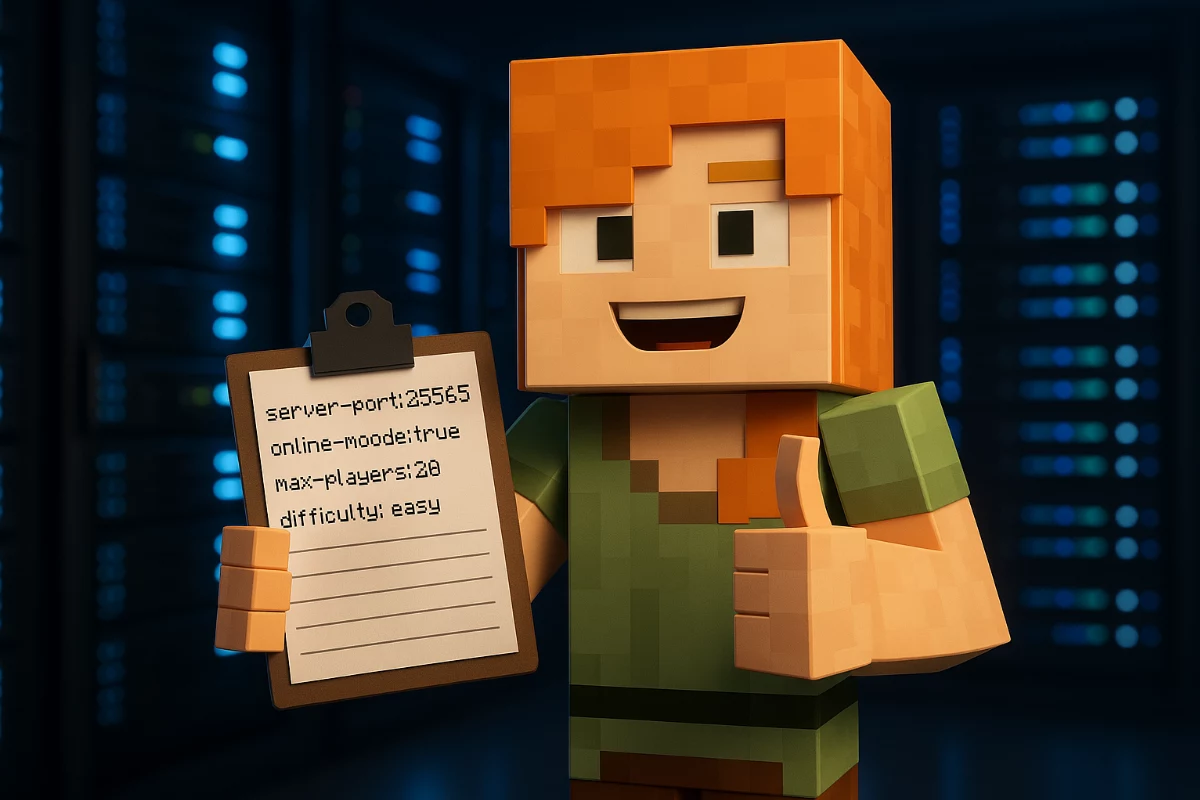
How to change your Minecraft server version
Changing your Minecraft server version can breathe new life into your gameplay and keep your community engaged. In this tutorial, we'll guide you through the simple steps to switch versions effortlessly using our user-friendly server panel. Whether you're exploring new features or trying out modpacks, let's get started on enhancing your Minecraft experience!
Read more
How to add a co-owner ?
Managing a Minecraft server can be a daunting task, especially if you're doing it alone. In this tutorial, we'll guide you through the process of adding a co-owner to your Minecraft hosting.pro server, ensuring you have the right support to enhance your gaming experience. Learn how to establish roles and grant access effectively, making server management a breeze!
Read more
How to contact Support Team
Are you facing issues with your Minecraft server and need assistance? This tutorial will guide you through the process of contacting our support team effectively, ensuring you get the help you need to resolve any problems quickly. Dive in to learn how to open a support ticket and troubleshoot common server issues like a pro!
Read more
How to upgrade or downgrade your server plan ?
Are you looking to optimize your Minecraft server experience? Whether you're ready to accommodate more players or downsize your resources, upgrading or downgrading your server plan is a simple and efficient process. In this tutorial, we'll guide you through the steps to adjust your server plan effortlessly while ensuring all your valuable data remains intact.
Read more
How to add a resource pack on your server ?
Enhance your Minecraft server's visual appeal by adding a resource pack that transforms textures, sounds, and in-game assets. In this tutorial, we'll guide you through the simple steps to upload and implement a resource pack using Dropbox, ensuring your server stands out and offers players a unique gaming experience. Let's dive into the process and make your server truly immersive!
Read more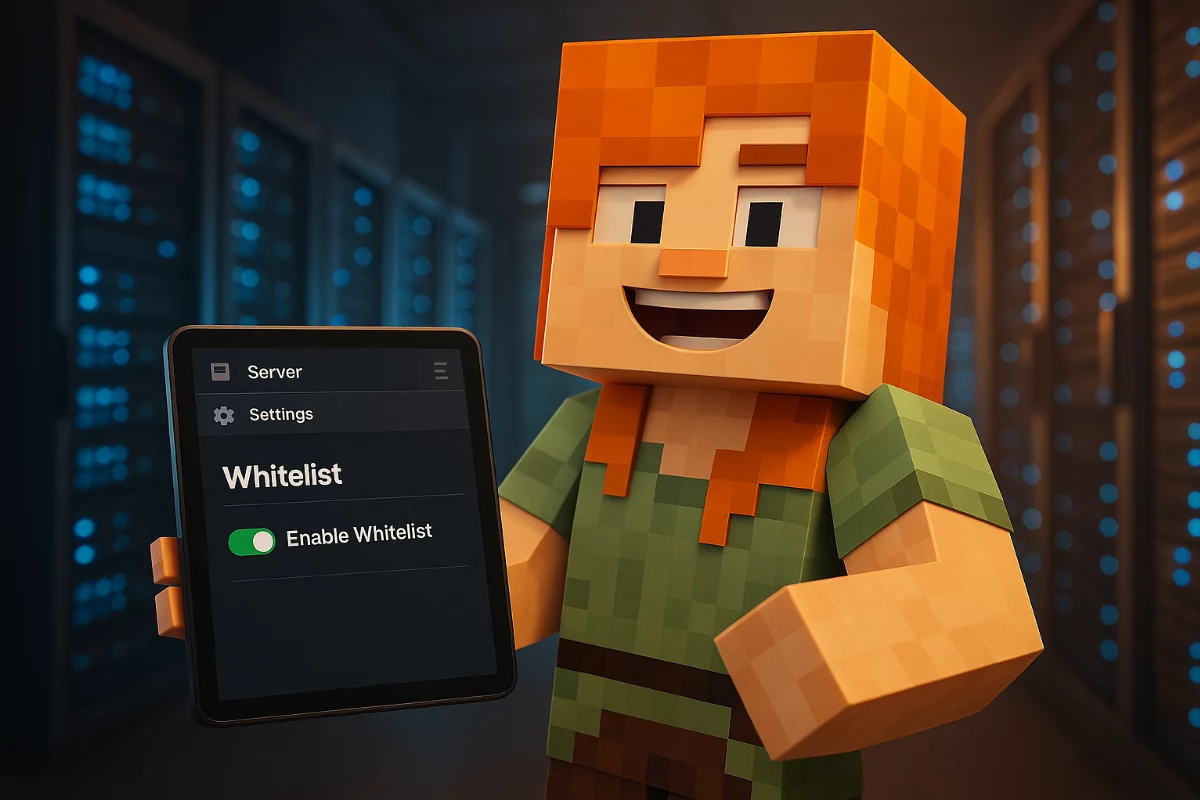
How to enable the Whitelist ?
In this tutorial, we will guide you through the process of enabling the whitelist feature on your Minecraft server. By restricting access to only selected players, you can enhance your server's security and ensure a more controlled gaming environment. Follow our step-by-step instructions to effectively manage your server's player access and keep unwanted visitors out.
Read more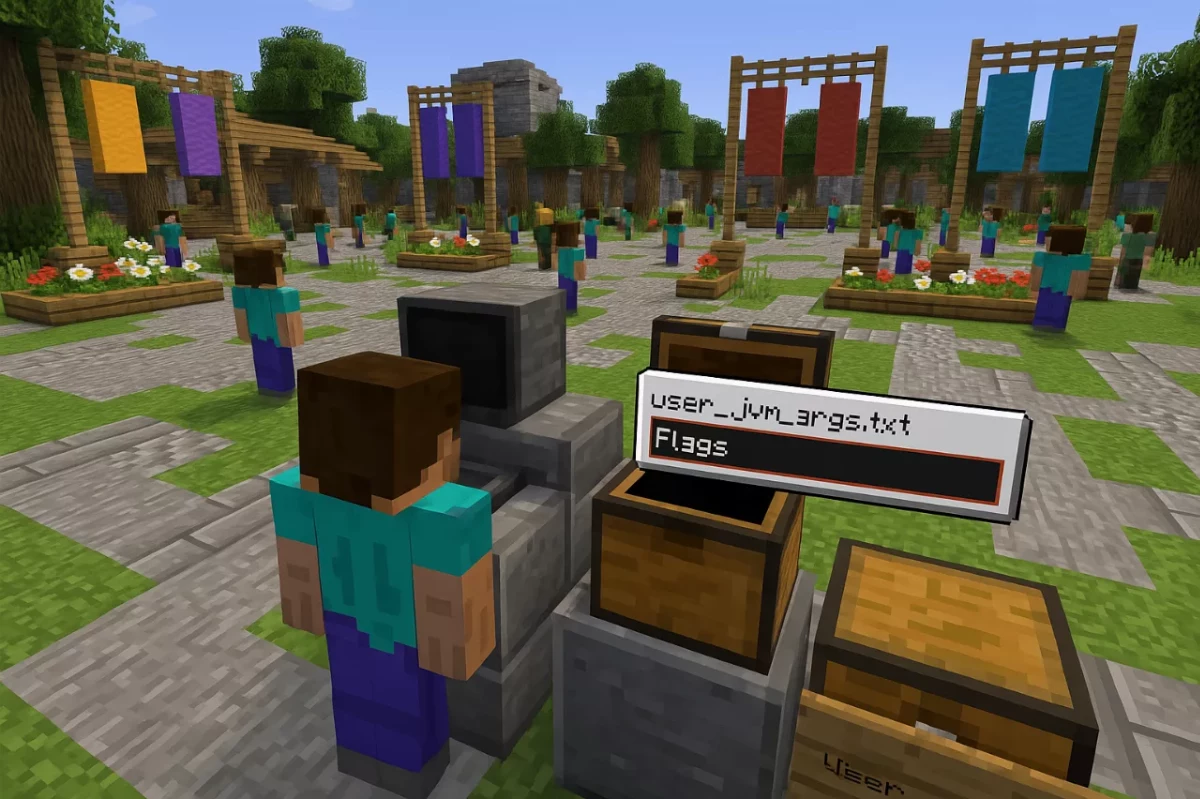
How to configure Java Flags
Customizing your Minecraft server with Java flags can significantly enhance its performance and efficiency. In this tutorial, we'll guide you through the straightforward process of creating and configuring your own user_jvm_args.txt file. Unlock the full potential of your server by learning how to tailor Java settings to your specific needs!
Read more
Java Extra Params explications
In this tutorial, we will explore the essential Java Extra Parameters that can significantly enhance your Minecraft server's performance. By understanding and implementing these JVM arguments, you can optimize memory management, improve stability, and create a smoother gameplay experience for your players. Dive in to discover how these powerful tools can unlock your server's full potential!
Read more
How to change server settings ?
Are you ready to take your Minecraft server to the next level? In this tutorial, we'll guide you through the steps to change server settings, allowing you to customize your gameplay experience. Whether you prefer using the settings panel or manually editing the server.properties file, we've got you covered with easy-to-follow instructions.
Read more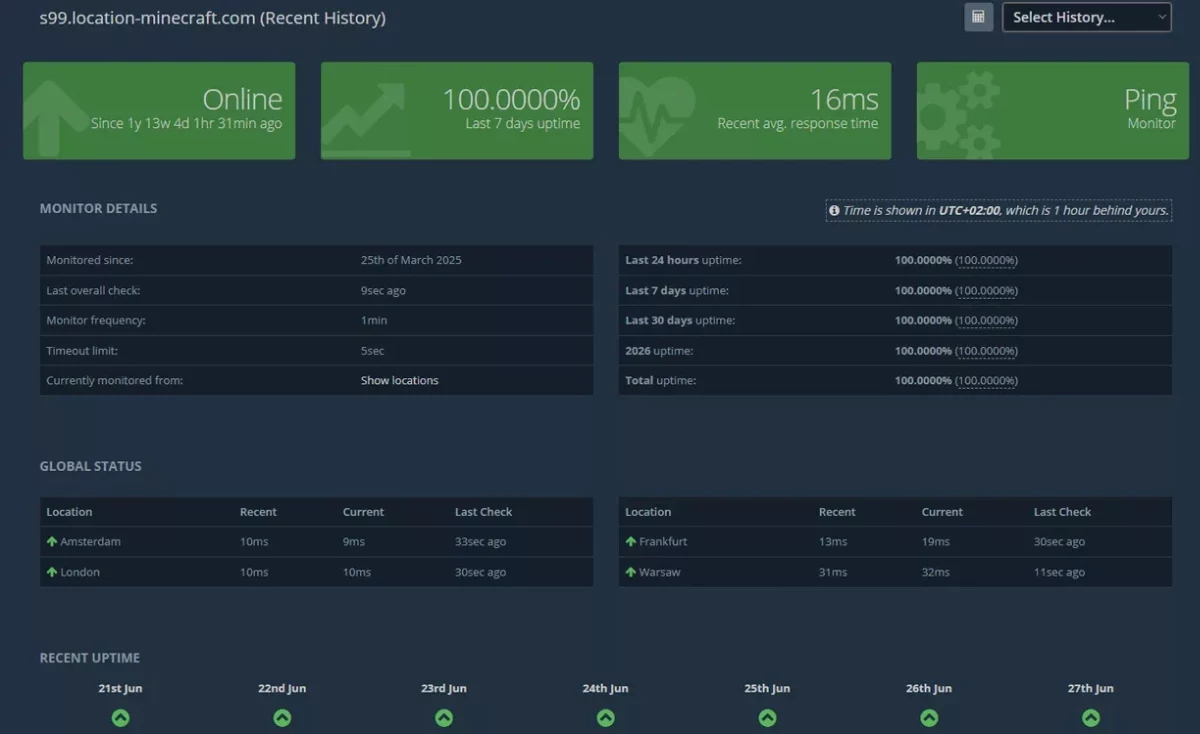
Minecraft Server Monitoring Presentation
Monitoring your Minecraft server's status is essential for providing an optimal gaming experience. In this tutorial, we'll guide you through the benefits of our server monitoring tools, helping you maintain high uptime and performance. Discover how to access detailed reports and metrics that will keep your server running smoothly and efficiently.
Read more
How to Create a Subdomain or Domain Name
Want to make your Minecraft server more accessible and organized? This tutorial will guide you through the process of creating a subdomain or configuring your own domain name for your server. With easy-to-follow steps, you'll enhance your players' experience and streamline their connection to your world.
Read more
How To Ban and Unban Players
Managing a Minecraft server involves ensuring a safe and enjoyable environment for all players. In this tutorial, we'll guide you through the essential steps to ban and unban players effectively, helping you maintain control over your server. Whether dealing with troublemakers or correcting mistakes, mastering these commands will empower you as a server administrator.
Read more
How To Add a MySQL Database to your Server
In this tutorial, you'll learn how to seamlessly add a MySQL database to your Minecraft server, enabling you to efficiently manage data generated by various plugins. We'll walk you through the steps to create, connect, and administrate your database, ensuring your server runs smoothly and efficiently. Let's dive in and unlock the full potential of your Minecraft experience!
Read more
How To Backup Your Server
Backing up your Minecraft server is crucial for safeguarding your world and data against unexpected losses. In this tutorial, we will walk you through the simple steps to create reliable backups and restore them when needed, ensuring your gaming experience remains uninterrupted. Read on to learn how to protect your server effectively!
Read more
How to Add a Minecraft Server Icon
Customizing your Minecraft server is a fun way to enhance its identity, and one of the simplest yet most effective changes you can make is adding a unique server icon. In this tutorial, we'll guide you through the straightforward steps to create and implement a stunning server icon that will make your server stand out in the multiplayer list. Let's get started!
Read more
How to create a Scheduled Task
Are you tired of manually handling routine maintenance on your Minecraft server? In this tutorial, we'll show you how to create scheduled tasks that automate essential server management functions like backups, updates, and restarts. By the end, you'll have your server running smoothly without the hassle of constant manual oversight.
Read more
How to Change the MOTD on a Minecraft Server
In this tutorial, we'll guide you through the simple process of changing the Message of the Day (MOTD) on your Minecraft server. A well-crafted MOTD not only enhances your server's personality but also attracts more players. Let's get started and make your server stand out!
Read more